August 2026
Successful Planning Application for New All-Weather Sports Pitch


This page details some of the custom styling used throughout the site. Any styling you see here can be copied and used throughout the site in all pages and posts where you need them.
Please feel free to re-use these blocks, but please remember to only copy them and not delete them.!!!

To create a header with the Roses graphic above it, go into the Block Inserter (plus icon in the top left + ), and look for Block Element – Heading. Select this and fill in the content on the right hand sidebar. You can align the text and turn the graphic on or off.
If using anything but centered alignment, i’d turn the graphic off!
This block is designed for use on the Homepage only. It shows the 6 most recent Posts from all categories.
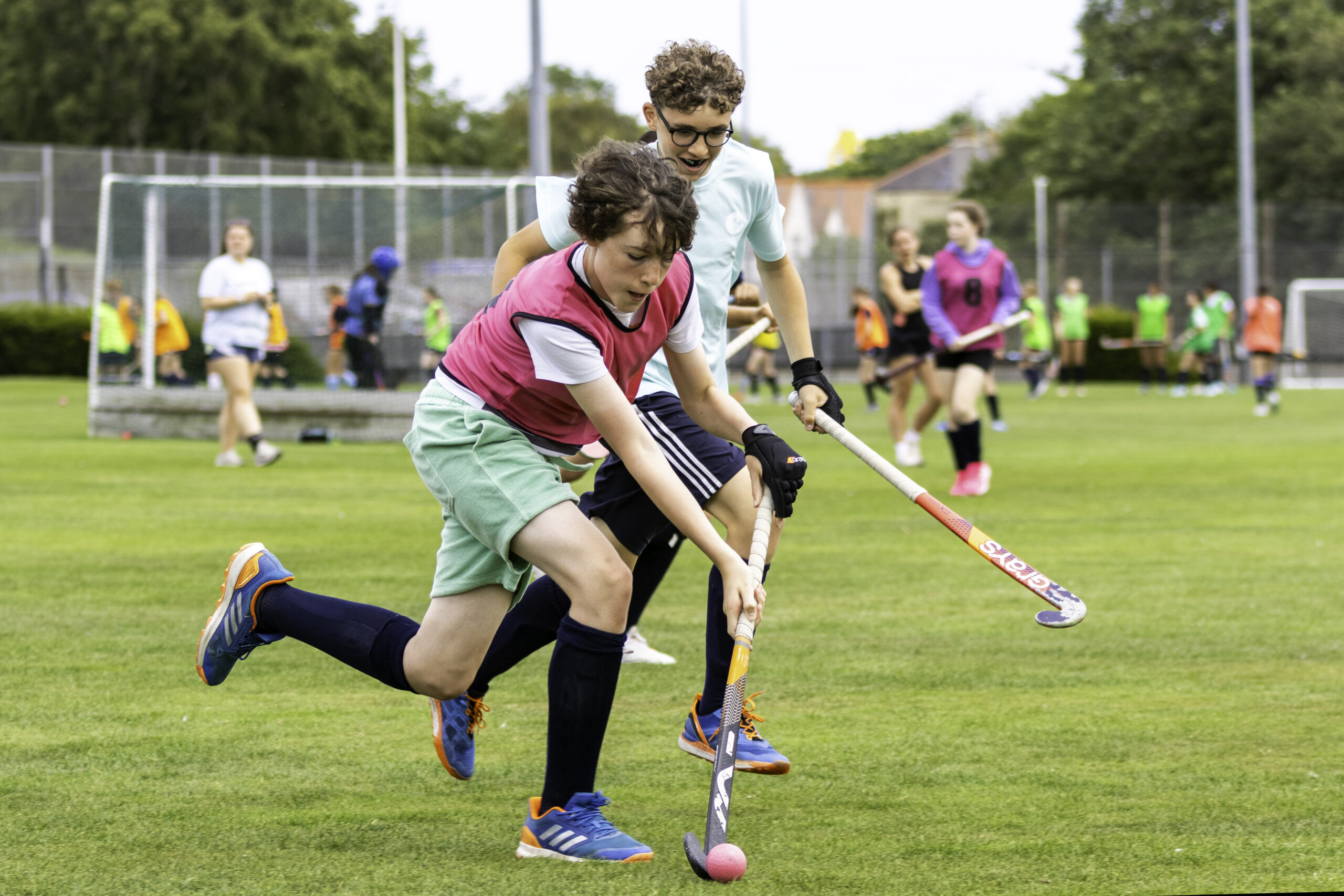
August 2026
Successful Planning Application for New All-Weather Sports Pitch
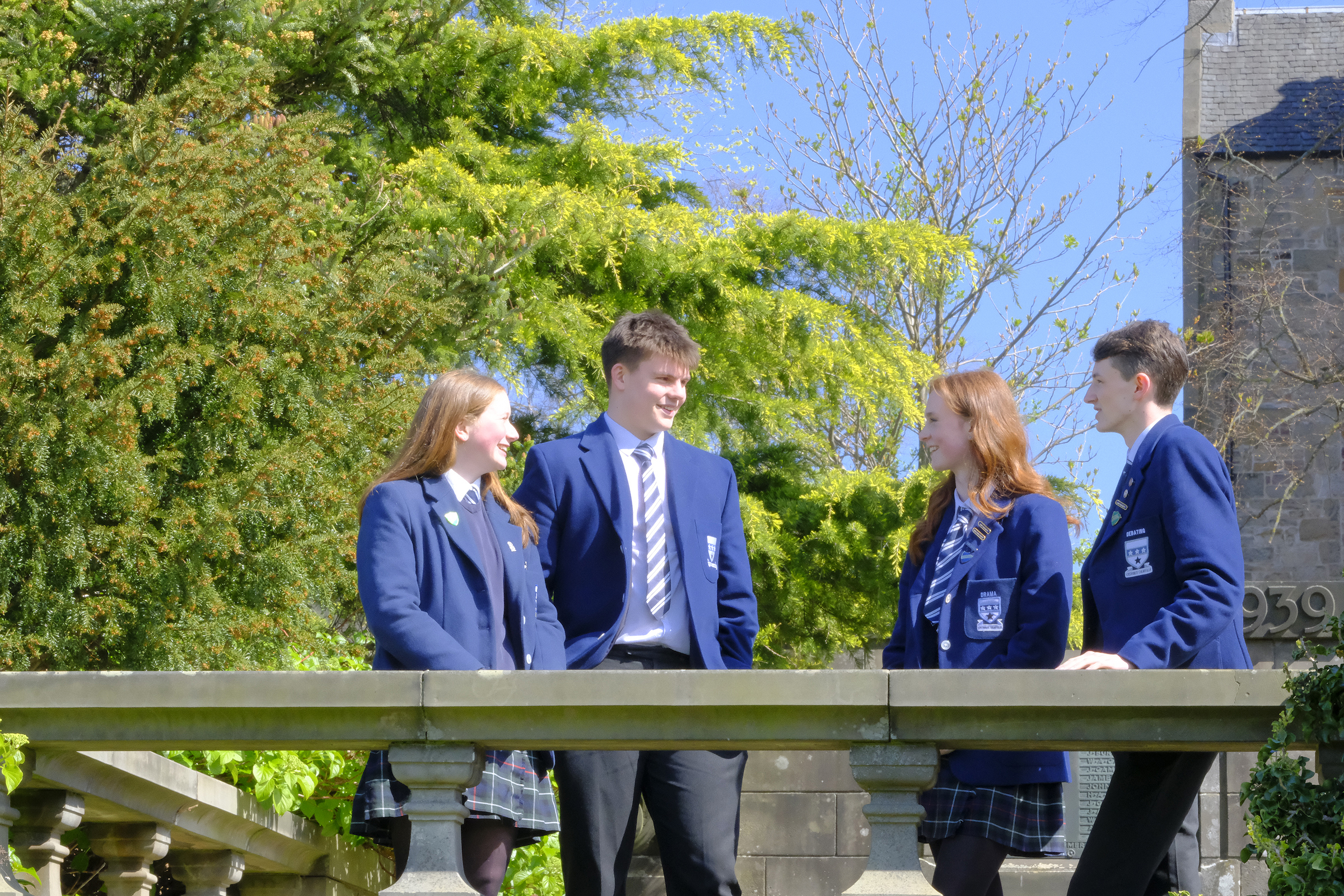
August 2026
Exam Results 2026
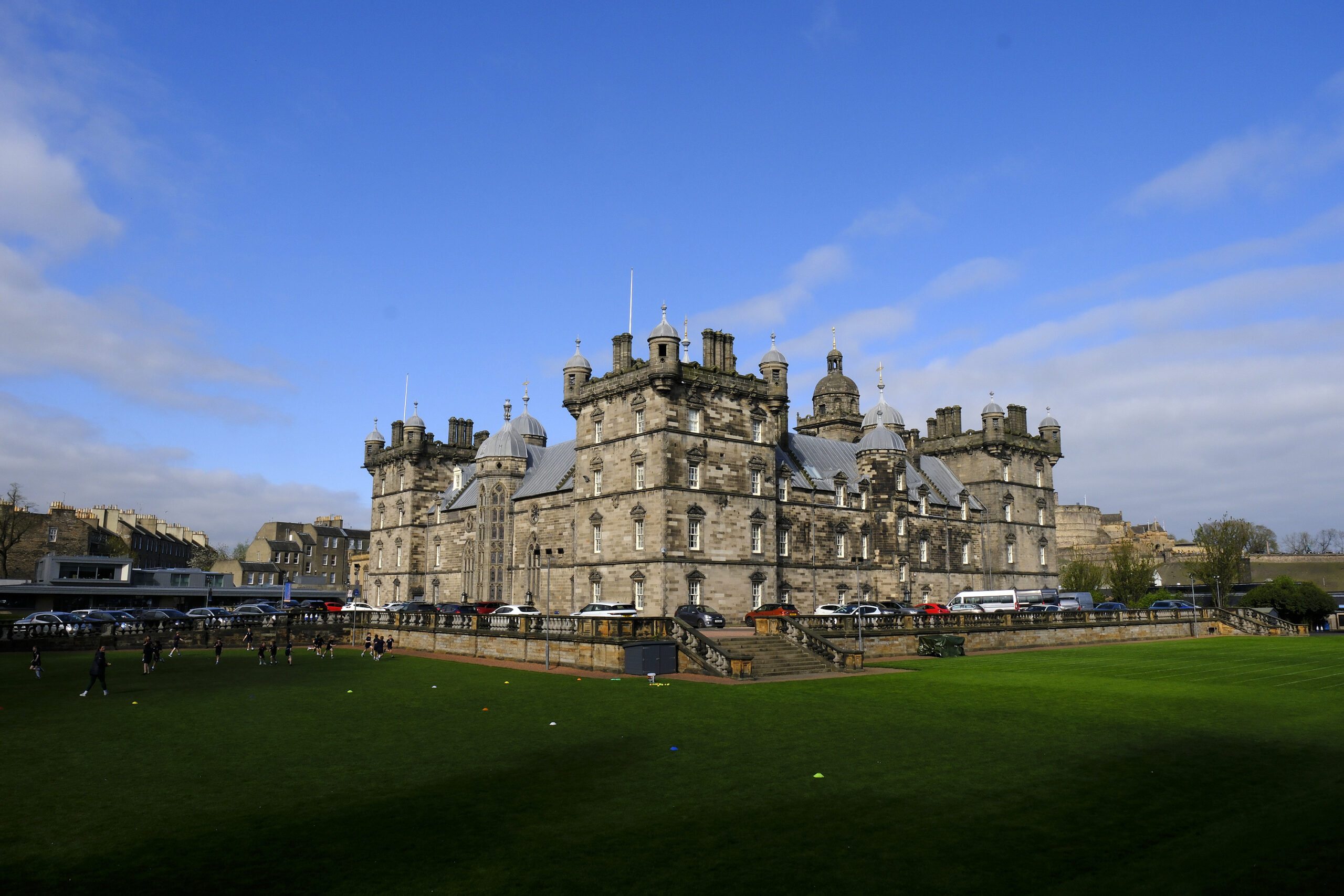
July 2026
Appointment of New Chair of Governors

June 2026
Appointment of Head of Nursery
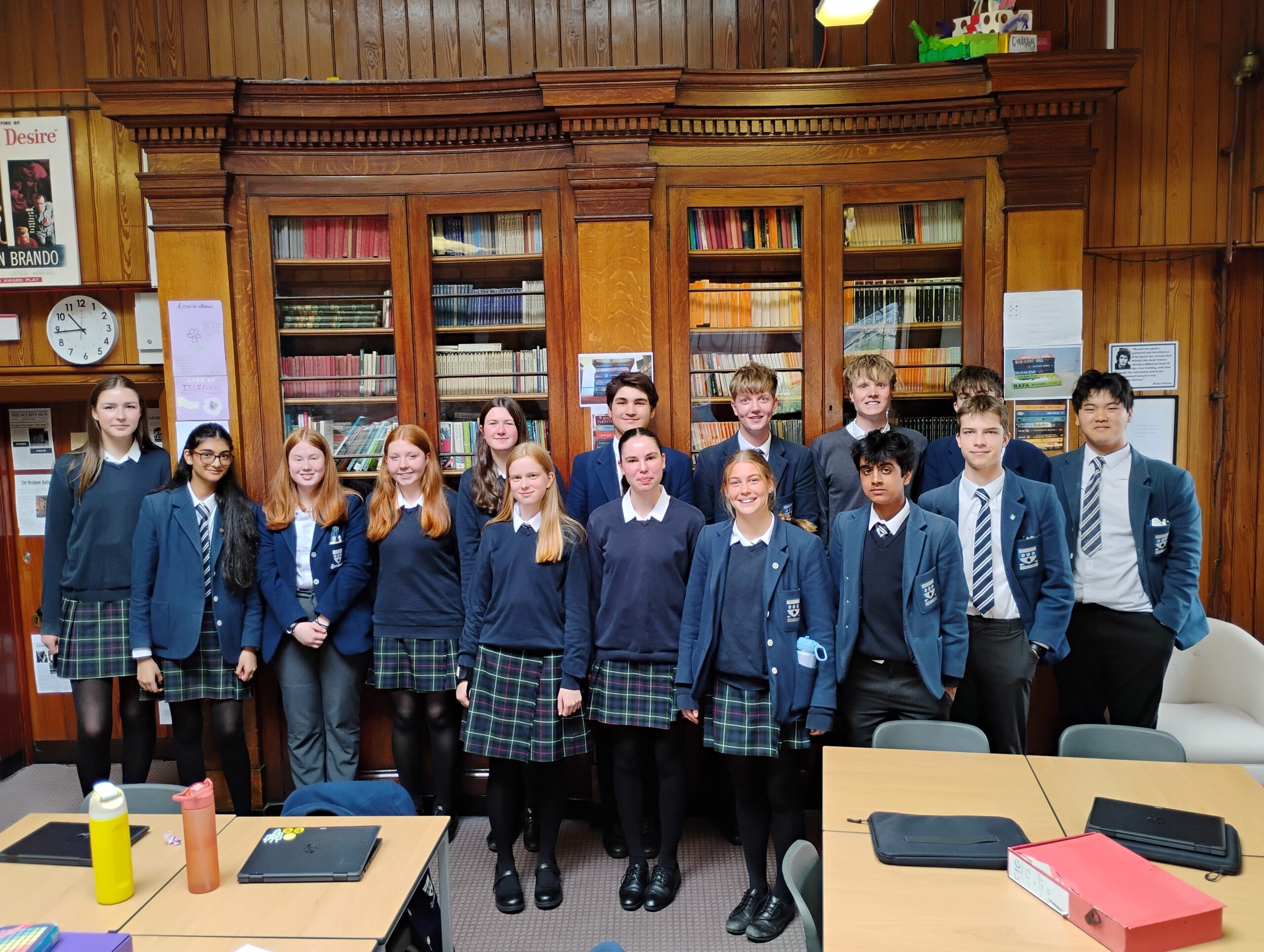
June 2026
ISEP Environmental Sustainability Skills for the Workforce
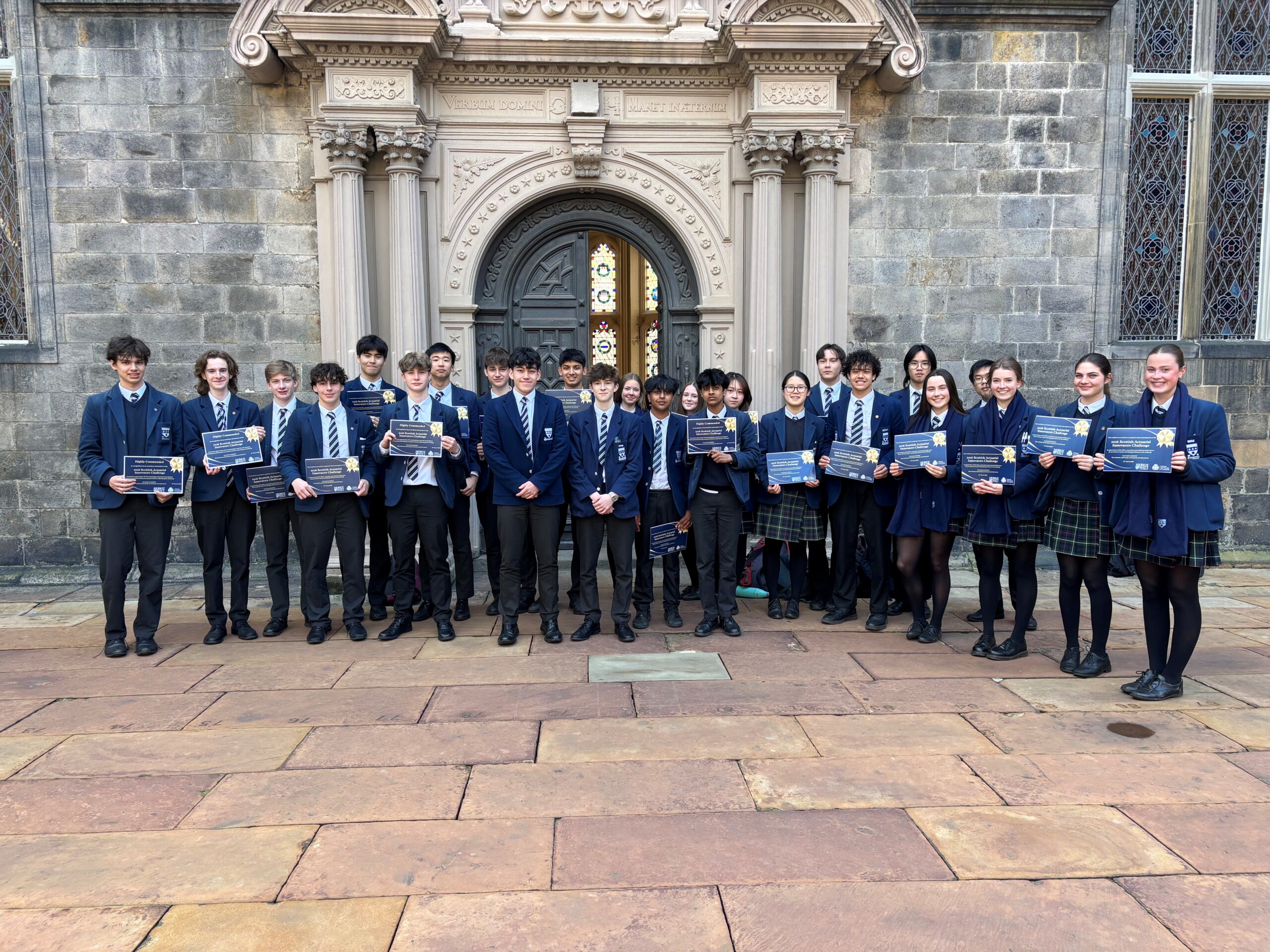
June 2026
Scottish Actuarial Innovators Challenge 2026
You can set this to either be displayed in 2 columns like this…
or in 3 columns like this…

This is where the quote text will go. You can add as much or as little as you need to here. This is where the quote text will go. You can add as much or as little as you need to here.
This is where the quote text will go. You can add as much or as little as you need to here. This is where the quote text will go. You can add as much or as little as you need to here.
Some Onesname
Principal
I’m the citation text