February 2026
Heriot’s Ambition 2025-2030: Digital Capabilities


This page details some of the custom styling used throughout the site. Any styling you see here can be copied and used throughout the site in all pages and posts where you need them.
Please feel free to re-use these blocks, but please remember to only copy them and not delete them.!!!

To create a header with the Roses graphic above it, go into the Block Inserter (plus icon in the top left + ), and look for Block Element – Heading. Select this and fill in the content on the right hand sidebar. You can align the text and turn the graphic on or off.
If using anything but centered alignment, i’d turn the graphic off!
This block is designed for use on the Homepage only. It shows the 6 most recent Posts from all categories.
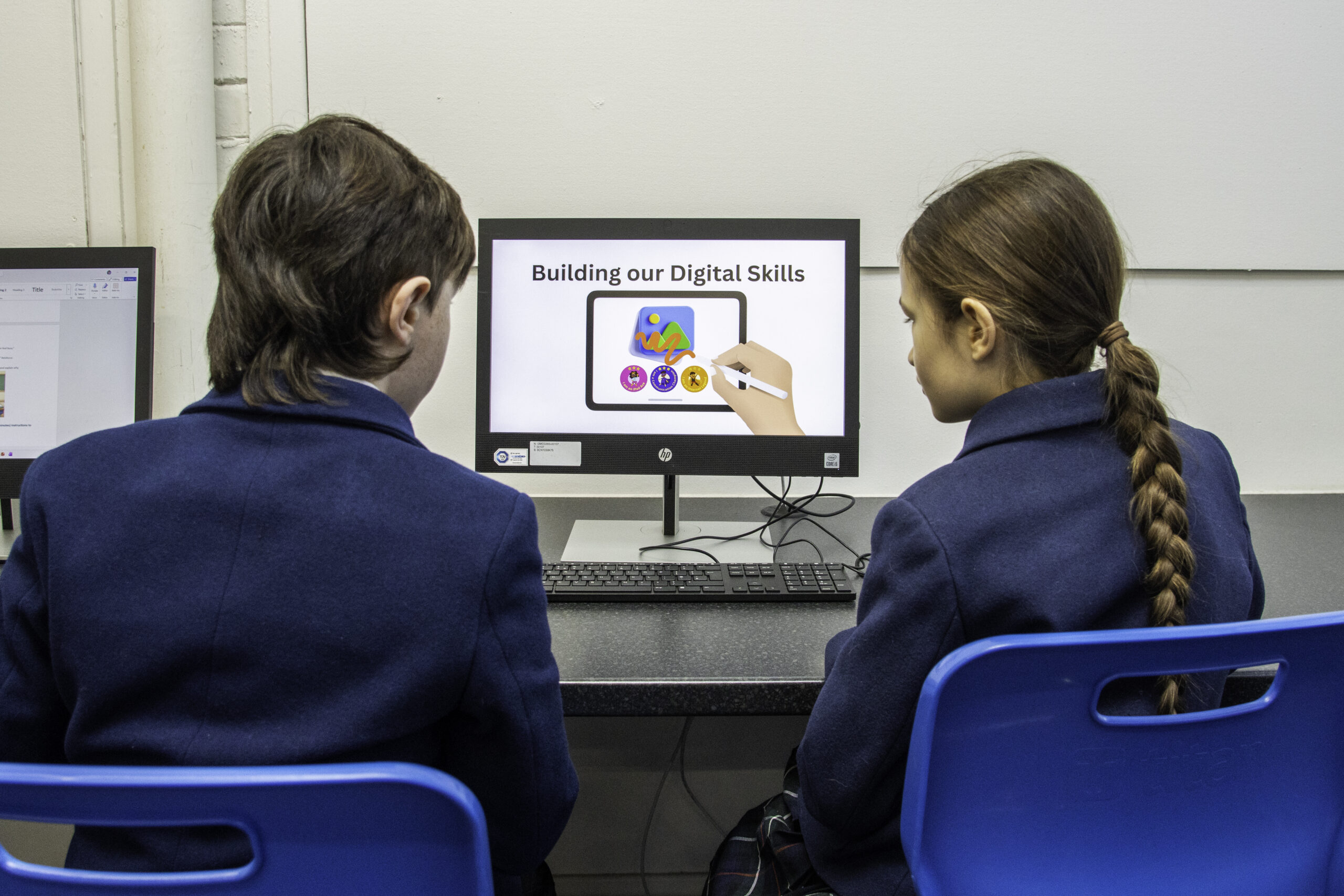
February 2026
Heriot’s Ambition 2025-2030: Digital Capabilities
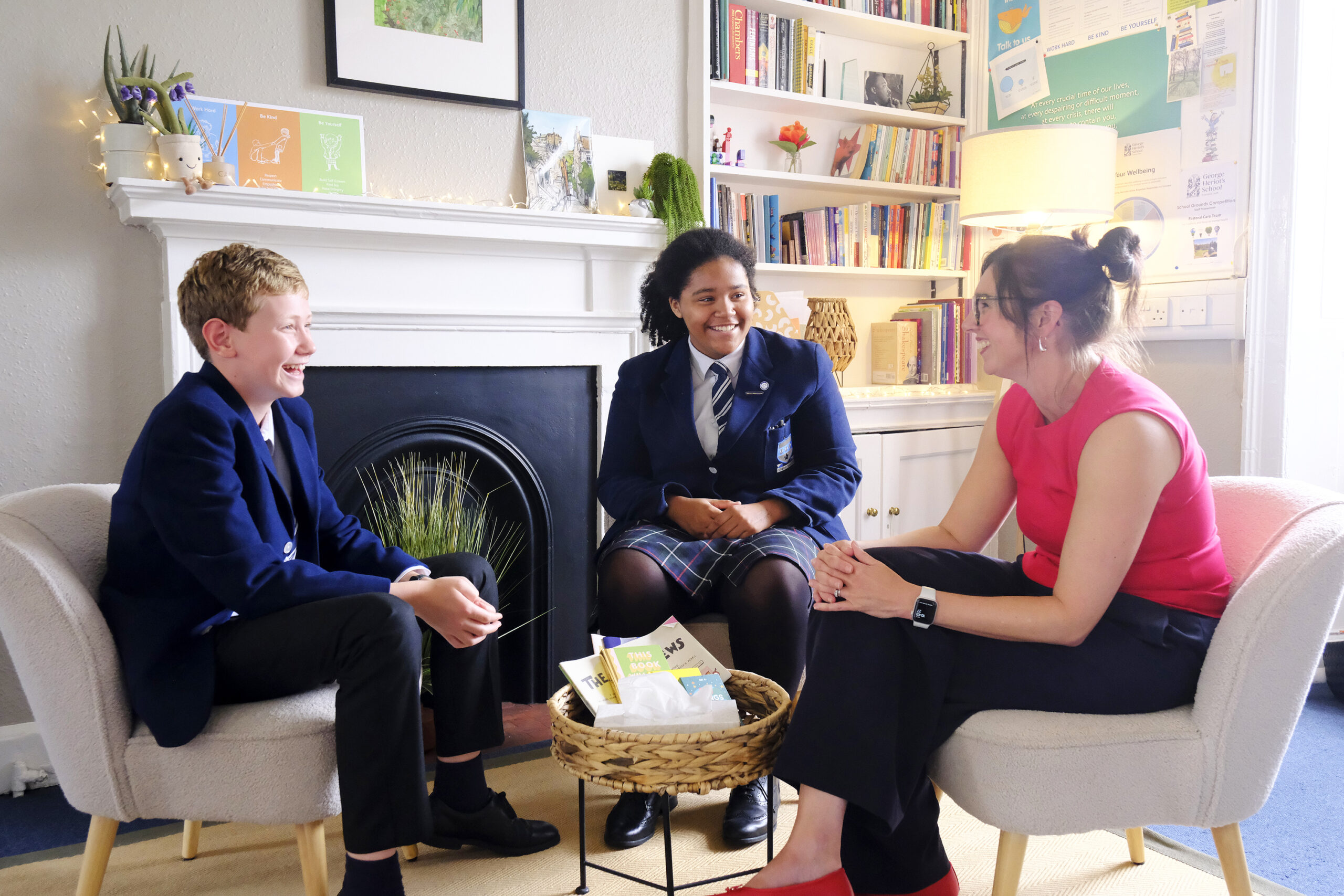
February 2026
Children’s Mental Health Week
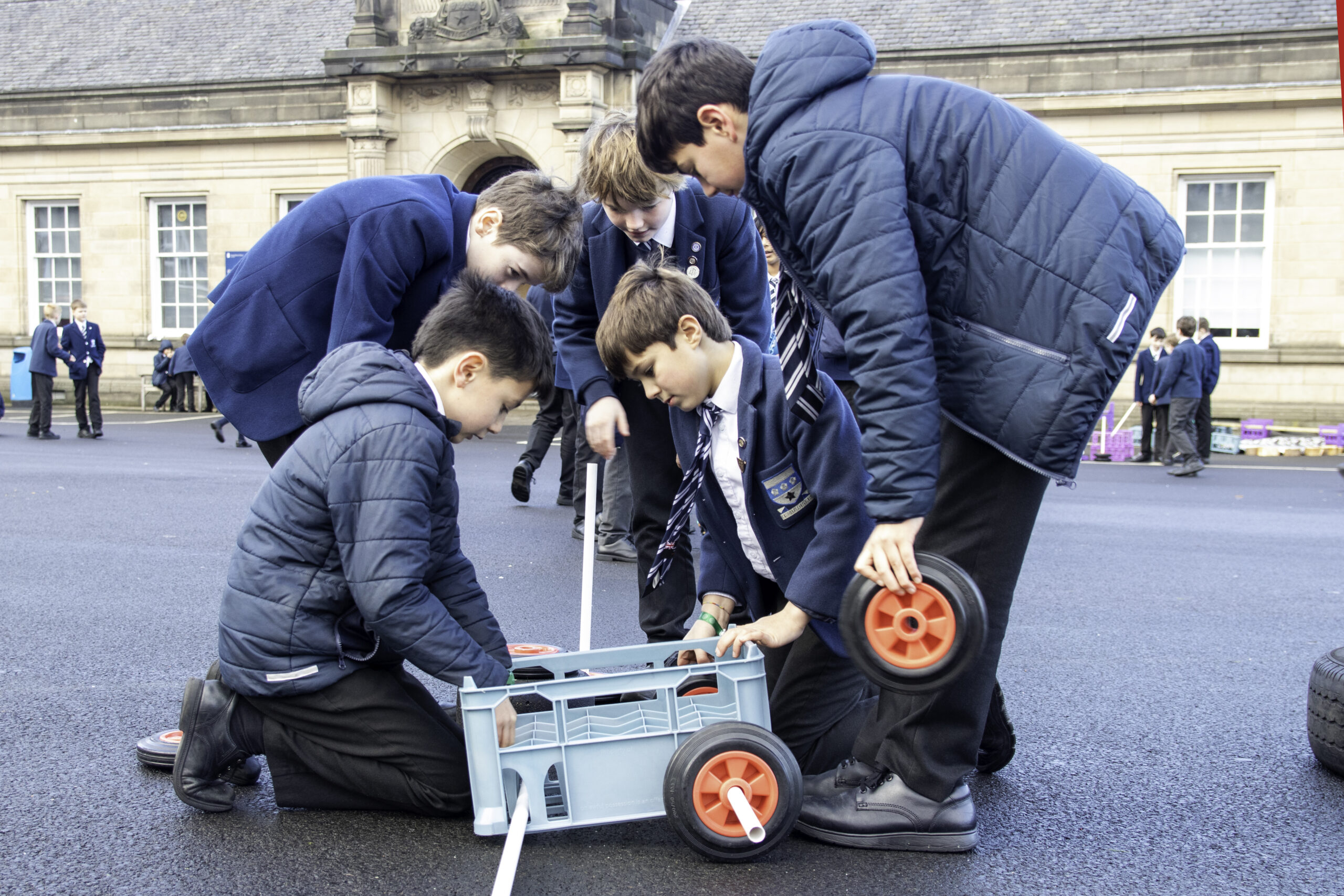
February 2026
Heriot’s Ambition 2025-2030: What’s the news about skills?
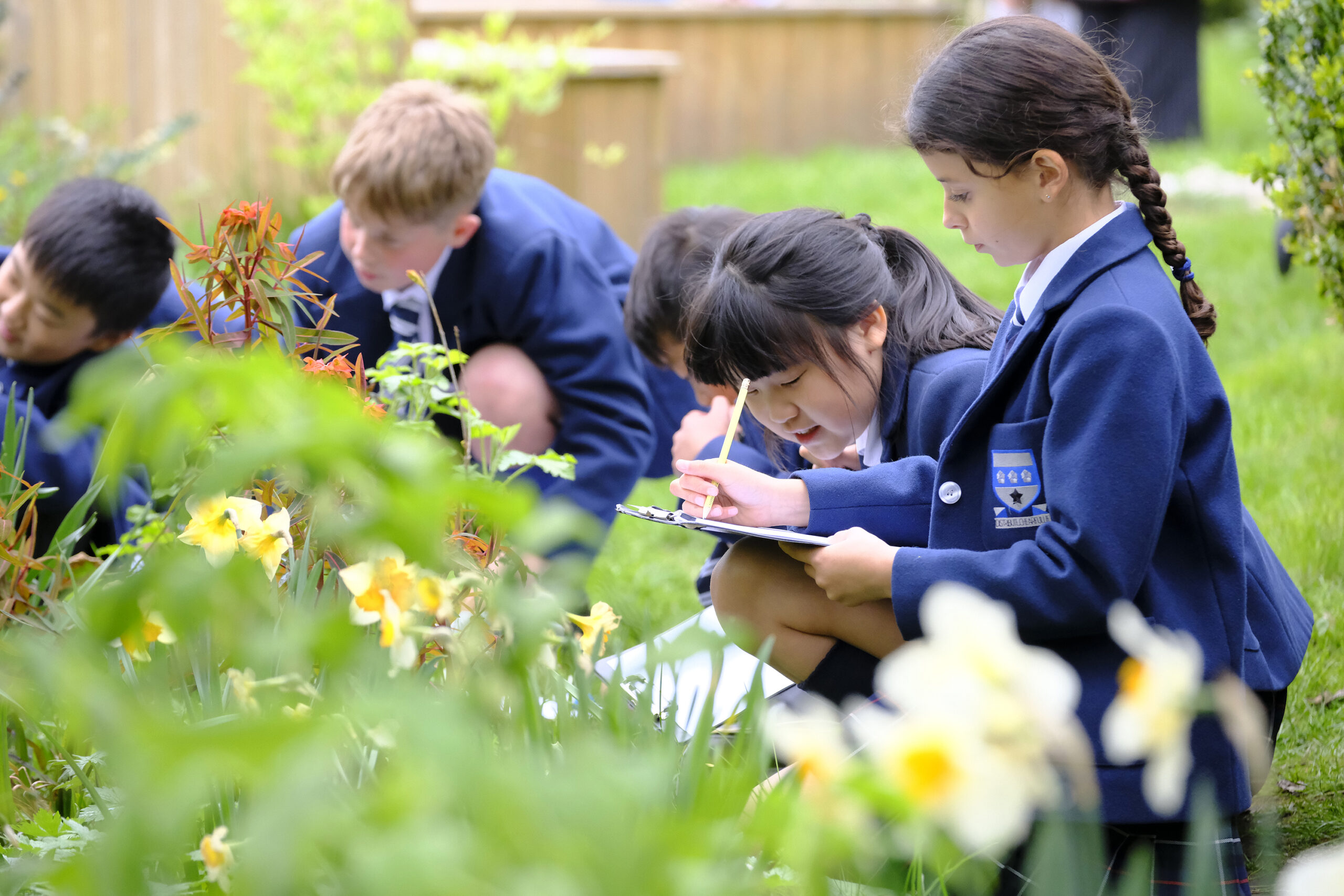
January 2026
Heriot’s Ambition 2025-2030 part two: Academic focus
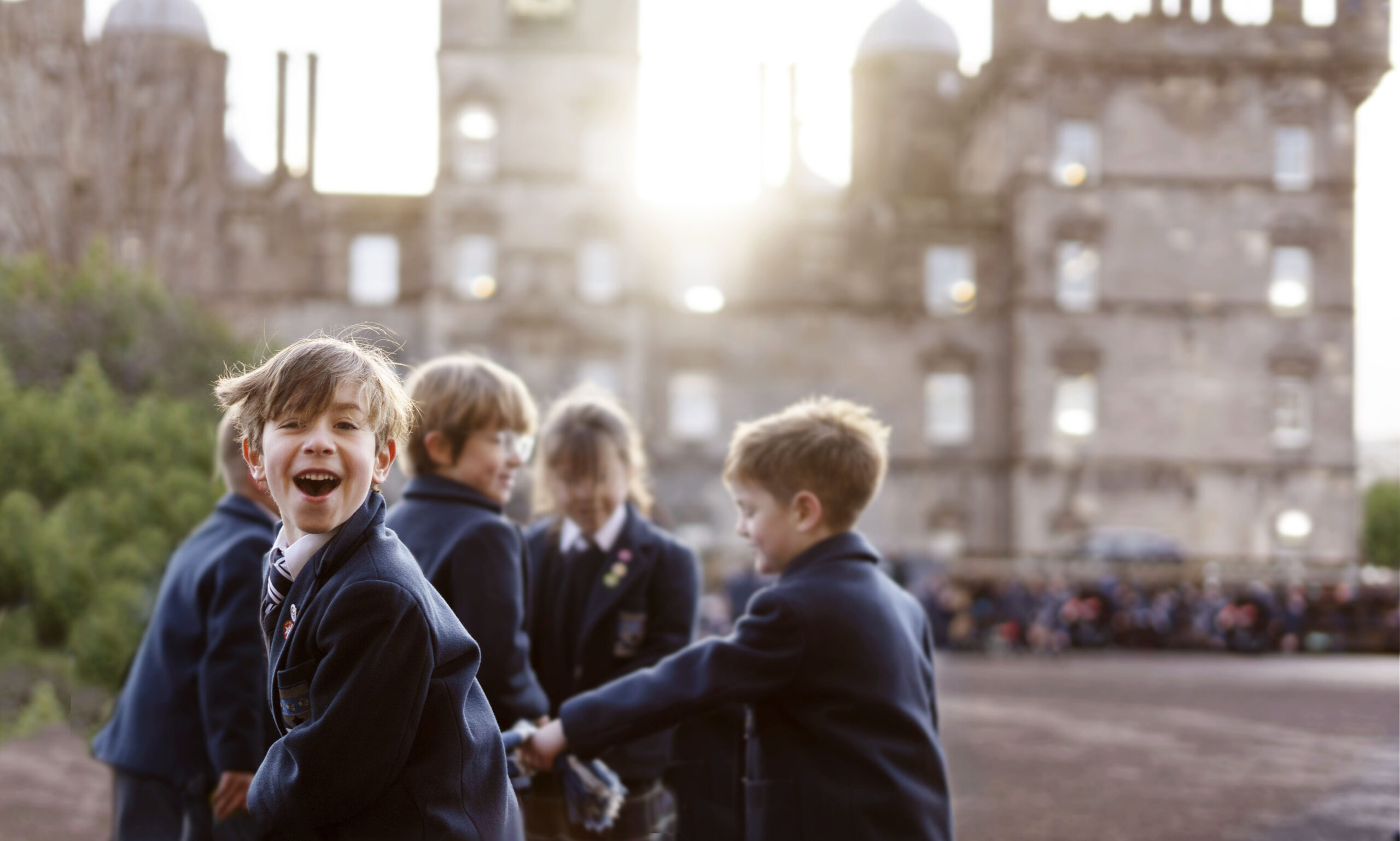
January 2026
Heriot’s Strategic Ambition 2025 – 2030
January 2026
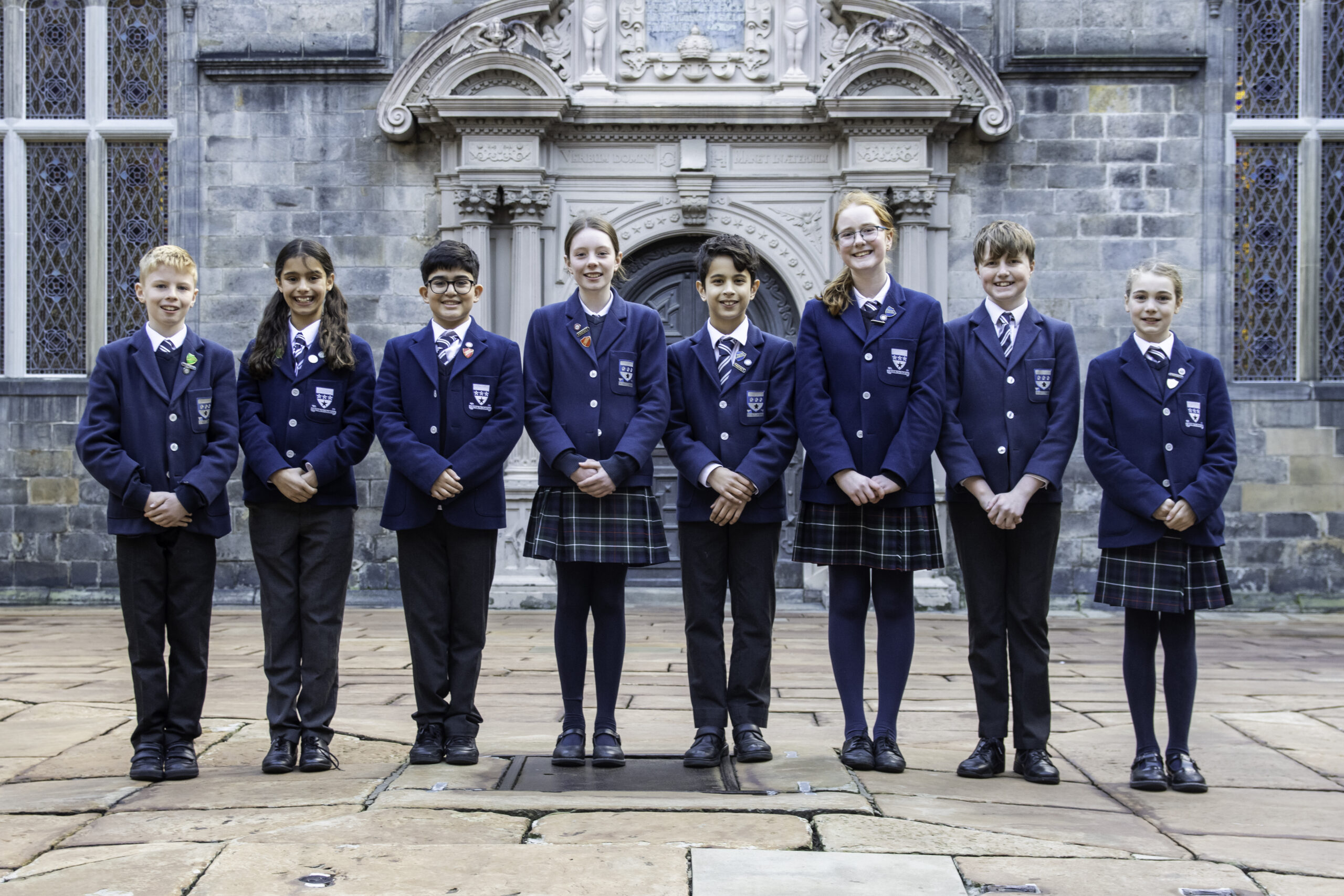
Junior School House Captains
You can set this to either be displayed in 2 columns like this…
or in 3 columns like this…

This is where the quote text will go. You can add as much or as little as you need to here. This is where the quote text will go. You can add as much or as little as you need to here.
This is where the quote text will go. You can add as much or as little as you need to here. This is where the quote text will go. You can add as much or as little as you need to here.
Some Onesname
Principal
I’m the citation text